

Mid-year report PPT, materials scattered everywhere
For a mid-year report, reference materials come from WeChat, email, cloud drives — scattered across desktop, Downloads, Documents.
What can FinalPlace do?
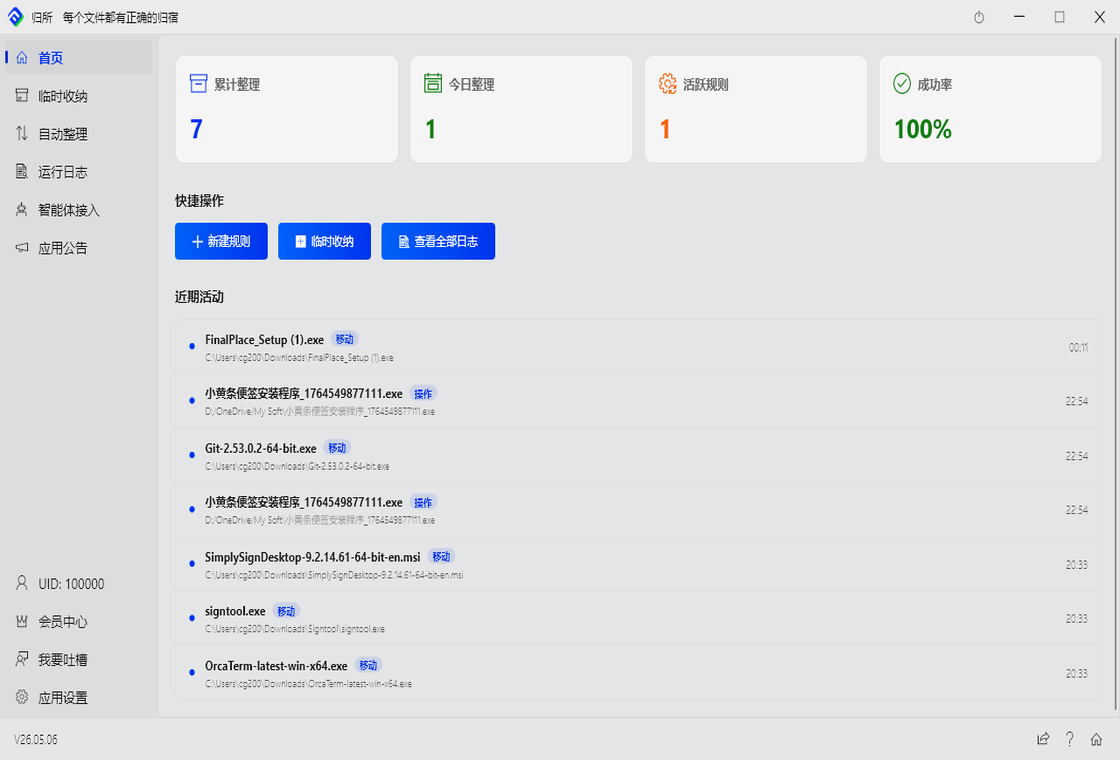
Turn on “Temp Storage,” set the directories to watch (desktop, Downloads, Documents). Whether it’s downloaded materials, screenshots, or received documents — everything auto-sorts into FinalPlace\ReportMaterials\.
When the report is done, close Temp Storage. All materials stay in the storage folder. Next time you need to adjust the PPT, just open FinalPlace\ReportMaterials\ — everything is there and organized.