
1. Trigger
Defines when to trigger the rule.
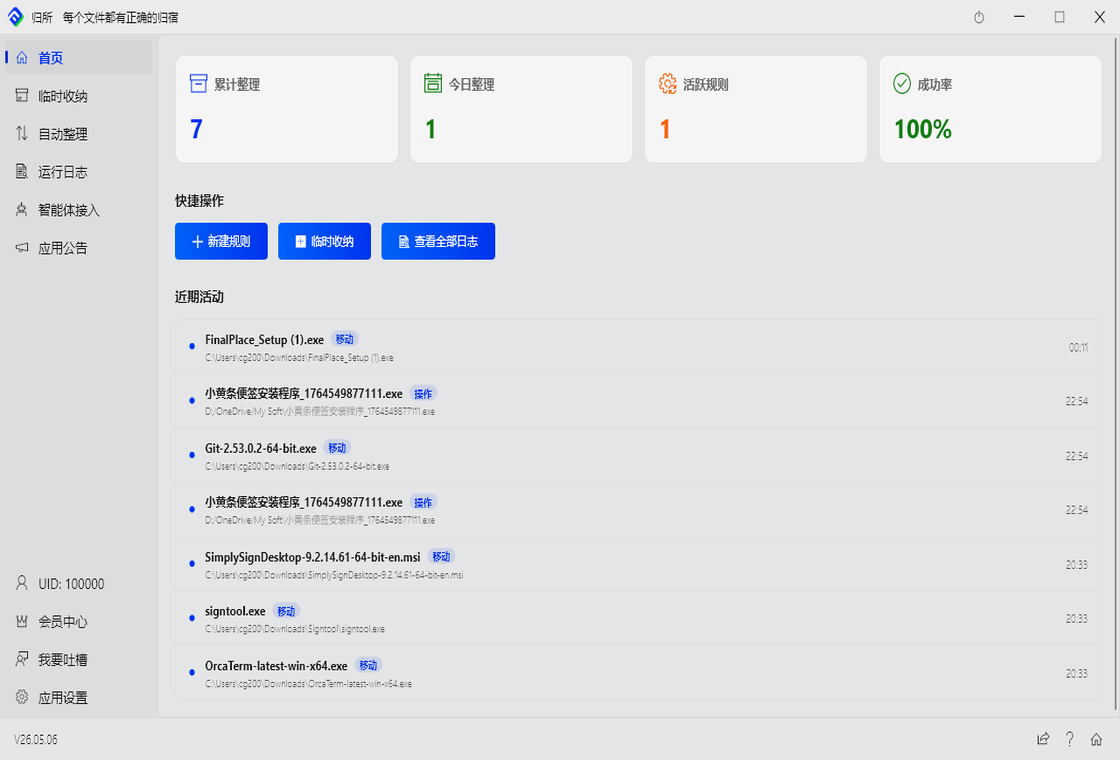
Welcome to FinalPlace! This guide will help you complete the installation and set up your first automation rule in under 5 minutes.
Visit the Official Download Page to get the latest FinalPlace installer. Run the installer and follow the prompts to complete the installation.
Click the “New Rule” button on the interface to start setting up your first file organization logic.
To make FinalPlace work for you, you only need to define these three elements:
1. Trigger
Defines when to trigger the rule.
2. Condition
Defines which files meet the requirements.
3. Action
Defines what to do with the file.