
Automatic File Organization: How Rules Engines Actually Work
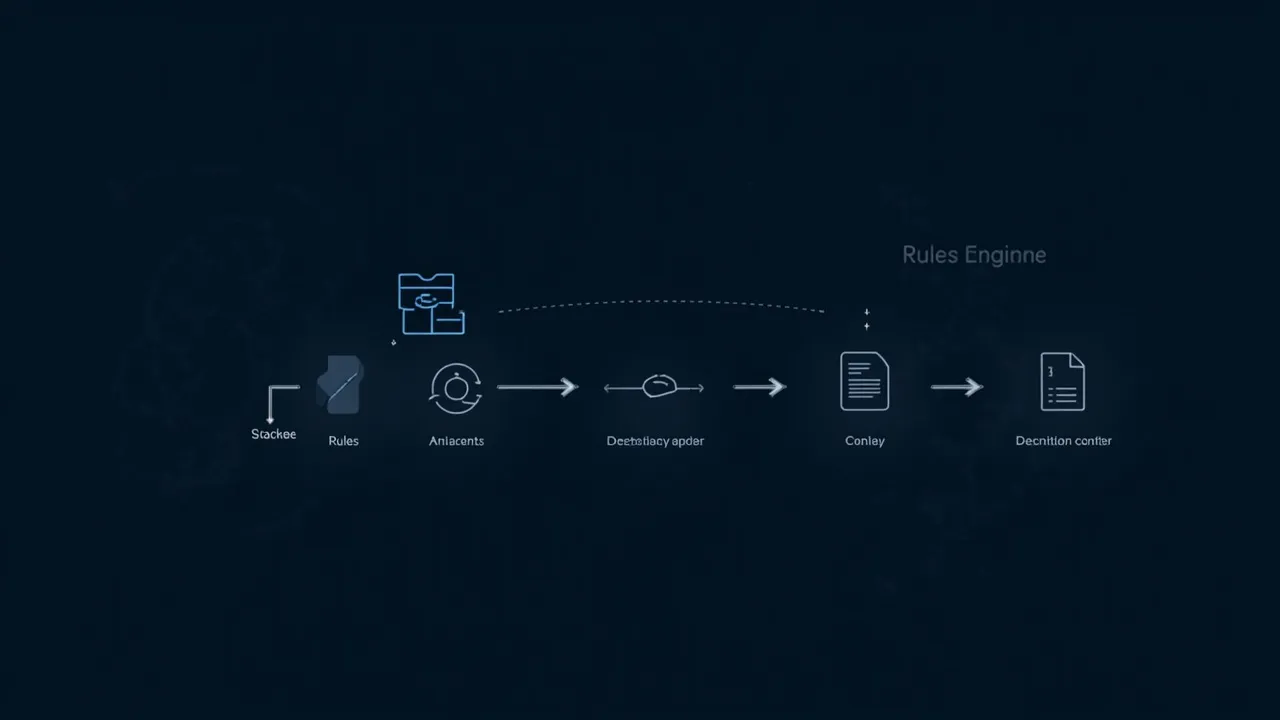
“Rules engine” sounds like something only programmers use.
But if you’ve ever used Excel’s SUMIF function or email filters, you’ve already encountered the core idea: “If condition A is met, then execute action B.”
That’s all a rules engine is. Really.
What Is a Rules Engine?
Section titled “What Is a Rules Engine?”Plain language version: You set the rules. The system runs them.
You tell your computer: “Any .xlsx file received from WeChat goes automatically to D:\Finance\2026.”
Set it once. Every future WeChat Excel file goes there on its own. You don’t touch anything.
That’s a rules engine.
Why Does a Rules Engine Fix the “Messy Files” Problem?
Section titled “Why Does a Rules Engine Fix the “Messy Files” Problem?”In traditional file management, every single file’s destination requires a human decision.
You receive a file → Think about what type it is → Remember which folder it belongs to → Open the folder → Move the file → Return to your work
Every step is cognitive load. Every step can go wrong (wrong folder, wrong name, forgot to move).
A rules engine reverses this flow: you define rules upfront. Then every incoming file is automatically identified and routed — no human decision needed.
Your role changes from “file mover” to “rule designer.” That’s a fundamental shift.
How Do You Write Effective Rules?
Section titled “How Do You Write Effective Rules?”Effective rules have three elements: Source + Feature + Destination
| Source | Feature | Destination |
|---|---|---|
| WeChat received | .xlsx | D:\Finance{year} |
| Browser download | D:\Archive\Downloads\PDF{year}{month} | |
| Email received | contains “contract” | D:\Contracts{sender}{year} |
| Project folder | new file | D:\Projects{project-name}{year} |
More specific rules = more accurate execution.
When starting out, begin with two rules:
- Most frequent sources: WeChat / Email / Browser — one rule each
- Most frequent file types: PDF, Word, Excel — one rule each
Once comfortable, refine gradually. Don’t try to build perfect rules on day one. Just get the system running.
Where Do Rules Engines Apply?
Section titled “Where Do Rules Engines Apply?”Real-world examples:
Scenario 1: Designer’s asset management Browser-downloaded .psd/.ai files → Project-based asset library Screenshots/ScreenFlow recordings →素材库 Screenshots directory
Scenario 2: Finance team’s file archiving Bank email attachments → Finance archive by year/month Invoice PDFs → Invoice archive by category
Scenario 3: Project manager’s project documents Client-sent files → Corresponding project folder Meeting notes → Corresponding project subfolder
All scenarios share the same core logic: Source is identifiable → Rules are reusable → Files route automatically.
What Actually Changes
Section titled “What Actually Changes”After using a rules engine, people consistently report: “I didn’t realize file management could be this simple.”
No daily cleanup. No remembering where files are. Rules set once. Files go home automatically.
You do one thing: define the rules, then forget about them.
Related articles: