
Desktop Files in Chaos? Not an Unsolvable Problem
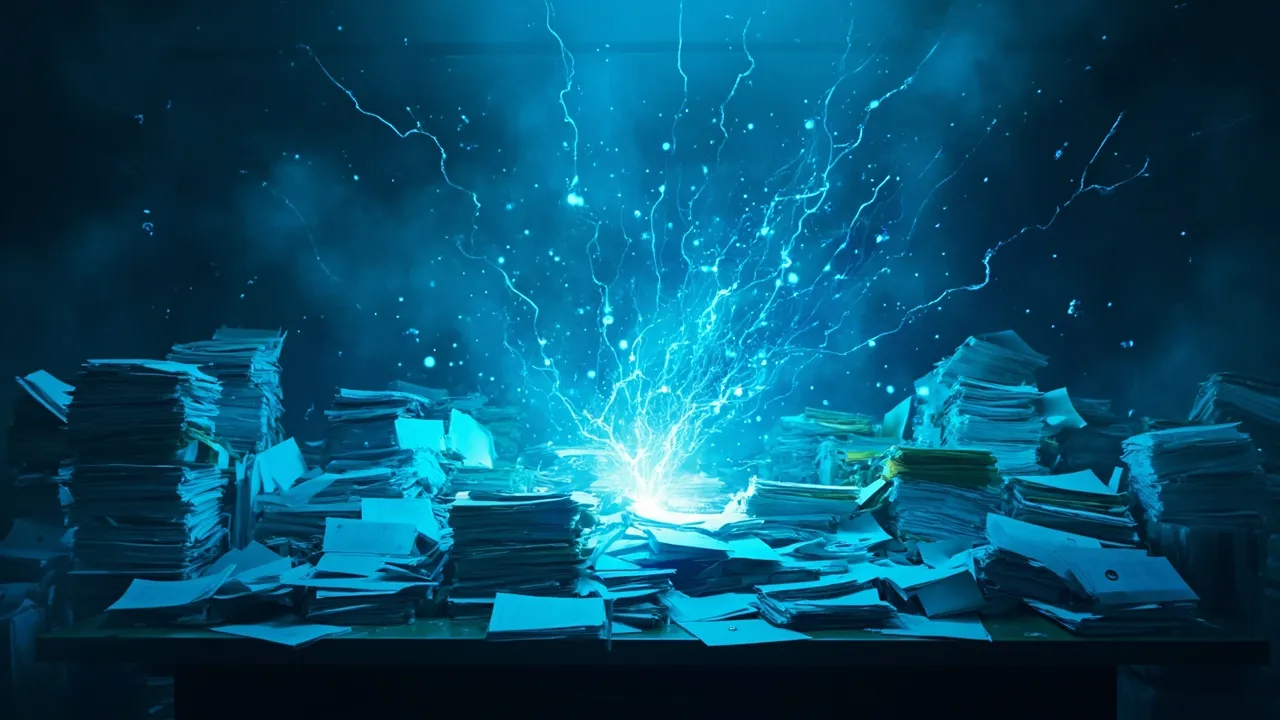
How long has it been since you organized your desktop?
Monday morning, you open your PC to find this scene: your desktop piled high with last week’s downloaded files, project documents, screenshots from clients, meeting notes… 62 icons crowded together. It took 3 full minutes to find a project document from last week.
This isn’t just my problem. Almost everyone who works on a computer has experienced a similar scene.
Why Do Desktop Files Always Pile Up?
Section titled “Why Do Desktop Files Always Pile Up?”Thinking about it carefully, file accumulation has its own “inevitability”:
When you’re focused on work, temporarily downloaded files, materials others sent you, screenshots you took on impulse — these are all “casual” byproducts. “Casual” means they don’t disappear on their own, nor do they return to their proper places automatically. They just wait for you to handle them. But the problem is, you already have enough work — who has energy for this?
So files accumulate more and more. Desktop full? Create a “New Folder.” New folder full? Create another one. The name “Work Folder” imperceptibly becomes “Work Folder Backup Final Version Modified” and similar monstrosities.
Those “Organization Methods” I’ve Tried
Section titled “Those “Organization Methods” I’ve Tried”I’ve definitely tried organizing. Every so often, I’d make a firm decision: “This time, I’m going to organize everything clearly!” Then I’d spend half an hour clearing the desktop and creating folders by project.
But the result? A week later, everything returns to normal. New files accumulate as usual, old methods fail as usual.
Later I tried a more “systematic” approach: spend 5 minutes organizing the desktop before leaving work each day, establish a complete folder hierarchy, categorize by project, time, and type. I even wrote operation guidelines to make myself immediately file away each downloaded file.
After two weeks, I gave up. Not because the method was bad, but because it was too anti-human.
The Change Came from “Being Lazy”
Section titled “The Change Came from “Being Lazy””The real transformation came from an accidental moment of “laziness.”
That day, after downloading a software installer, I habitually wanted to drag it to my “Software” folder. But my finger slipped and I threw it onto the desktop instead. Whatever… I’ll be able to find it when I need it next time.
The next day when I opened my PC, the installer was gone. Not deleted — it had “run” to where it belonged — the “Software” folder.
This “auto-organize” feature made me start rethinking file organization.
File Organization Doesn’t Have to Be This Exhausting
Section titled “File Organization Doesn’t Have to Be This Exhausting”Later I learned that this “files auto-organize” capability is exactly the core feature of FinalPlace. It doesn’t require you to establish complex folder structures in advance, nor does it require you to remember where every file should go.
You only need to tell it: “Installers in the Downloads folder go to the Software folder” “Documents in the project folder stay in the project folder.” After setting the rules, everything happens automatically.
Now, my desktop is finally clean. Not because I’ve become more diligent, but because organization finally no longer requires me to do it.
If you’re also troubled by chaotic desktop files, give it a try. Sometimes, the smartest organization method is making organization “disappear.”
Download: FinalPlace Official Website
Related Reading:
- Desktop Too Messy? 5 Ways to Restore Order to Your PC
- Why Do We Need Automatic File Organization Tools?
Want to learn more? View FinalPlace features