
Tired of Spending Hours Looking for Files? Here's the Fix
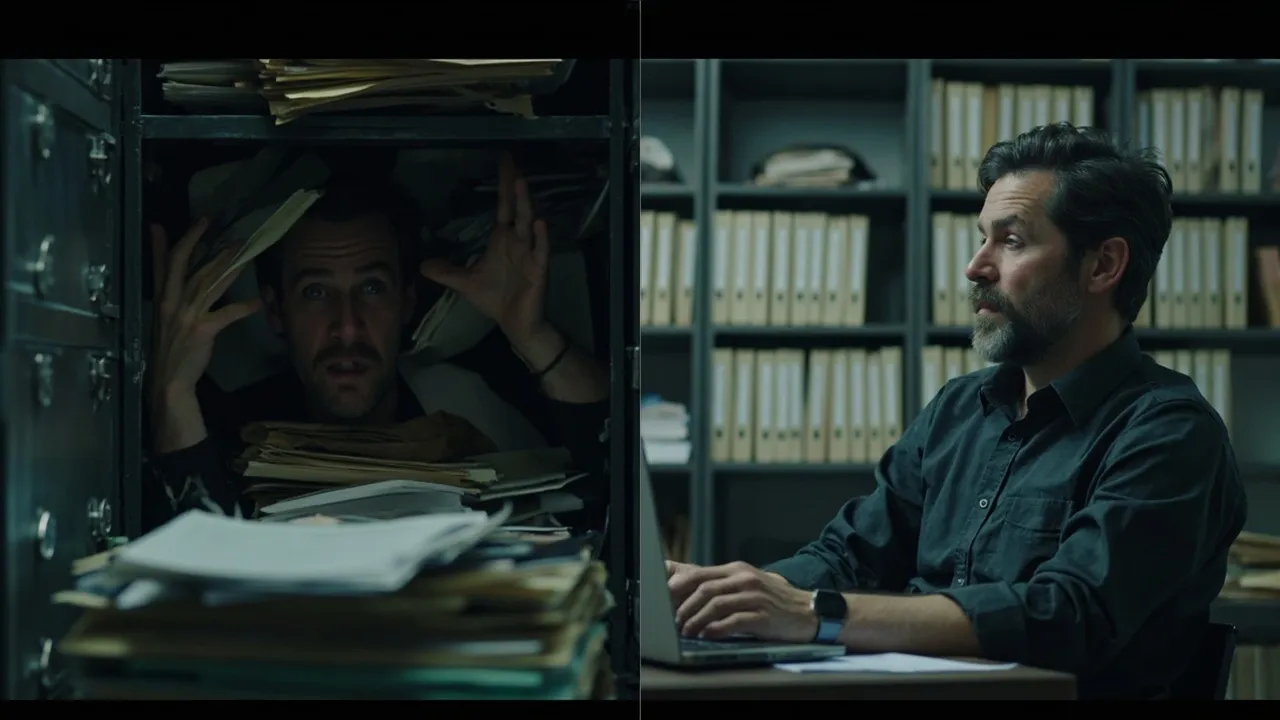
How much time do you spend looking for files every day?
5 minutes? 15? Or does it add up to more than an hour over the week?
This isn’t a personal failure. It’s a structural problem with manual file management.
Why “Looking for Files” Is a Dead-End Loop
Section titled “Why “Looking for Files” Is a Dead-End Loop”Most people’s file management follows a predictable cycle:
Phase 1: Files land in default locations Browser downloads, WeChat transfers, email attachments — scattered everywhere with no consistent structure.
Phase 2: You remember to “organize” and spend 30 minutes sorting New folders, renaming files, moving things around. Feels productive.
Phase 3: New files keep arriving. You stop bothering. “I’ll sort it later.” You never do.
Phase 4: One month later, it’s a mess again Back to Phase 1. Repeat forever.
The defining feature of this loop: each cleanup only lasts a few days. New files never stop coming, and willpower has limits.
Why “Be More Diligent” Can’t Solve This
Section titled “Why “Be More Diligent” Can’t Solve This”“Try spending 10 minutes a day organizing your files.”
This advice sounds helpful but misses the root cause:
1. Organization is a cognitive drain Your brain wants to do creative work. Sorting files is mechanical. Every minute spent organizing is a minute not spent thinking.
2. One cleanup ≠ permanent order As long as you’re using a computer, new files will arrive. The problem doesn’t end with one sorting session.
3. Manual systems have no error tolerance Bad mood = files dumped on desktop. Emergency = no time to sort. Team collaboration = everyone does their own thing. Manual management breaks under pressure.
4. Search costs more than organization A typical file search takes 5–15 minutes. A full organization session takes 10–30 minutes. If you search 10 times and organize 3 times per week, the time cost is enormous.
Being more diligent just makes you run faster inside the same hamster wheel.
The Real Fix: From “Organizing” to “Automating”
Section titled “The Real Fix: From “Organizing” to “Automating””The actual solution isn’t to become a more disciplined person — it’s to let the system remember where things go.
This is the core idea behind a rules engine: you define the rules once. Files execute them automatically.
Here’s what that looks like in practice:
| File type | Goes to |
|---|---|
| WeChat received files | D:\Archive\WeChat{year}{month} |
| Browser PDF downloads | D:\Archive\Downloads\PDF{year}{month} |
| Email attachments (contracts) | D:\Archive\Contracts{client}{year} |
| Project documents | D:\Projects{project-name}{year} |
| Screenshots | D:\Archive\Screenshots{year}{month} |
Once set up:
- New files are sorted automatically — no manual action needed
- Same types of files are always in the same place — you know exactly where to look
- No need to remember — only need to know the rule
You shift from “file manager” to “rule designer.” The role changes. The burden disappears.
What Actually Changes
Section titled “What Actually Changes”After switching to automated rules, people consistently report:
- “I never have to think about where to put a file”
- “Finding things became predictable — I know the folder, I go there”
- “Saves me 15–30 minutes every day”
This isn’t a marginal productivity gain. It’s a fundamentally different way of working.
Related articles: